
How to Reduce Screen Time for Teens (Without the Daily Battle)
Knowing how to reduce screen time for teens is one of the most asked parenting questions right now — and the families who actually solve it aren’t the ones who fight about it every day. They’re the ones who stopped relying on willpower and built a system instead. The goal isn’t to eliminate screens. It’s to put them in their place so they serve your teenager rather than running their summer, their mood, and your entire relationship with them. Here is exactly how to do that.

I know different things work well for different families, but this is what has been helpful for us. Like we talked about yesterday, setting clear expectations has been key!
Why Willpower Alone Won’t Reduce Screen Time for Teens
The problem with most screen time approaches is that they rely on either the parent enforcing limits manually every day or the teenager choosing to stop on their own. Neither works consistently. When you are the enforcement mechanism, every screen-related conversation becomes a confrontation. When the teenager is the enforcement mechanism, the phone always wins.
The shift that actually works: the system becomes the enforcement mechanism. You set it once. It runs itself. Your job changes from daily policing to occasional maintenance — and that is a completely sustainable position for the long term.
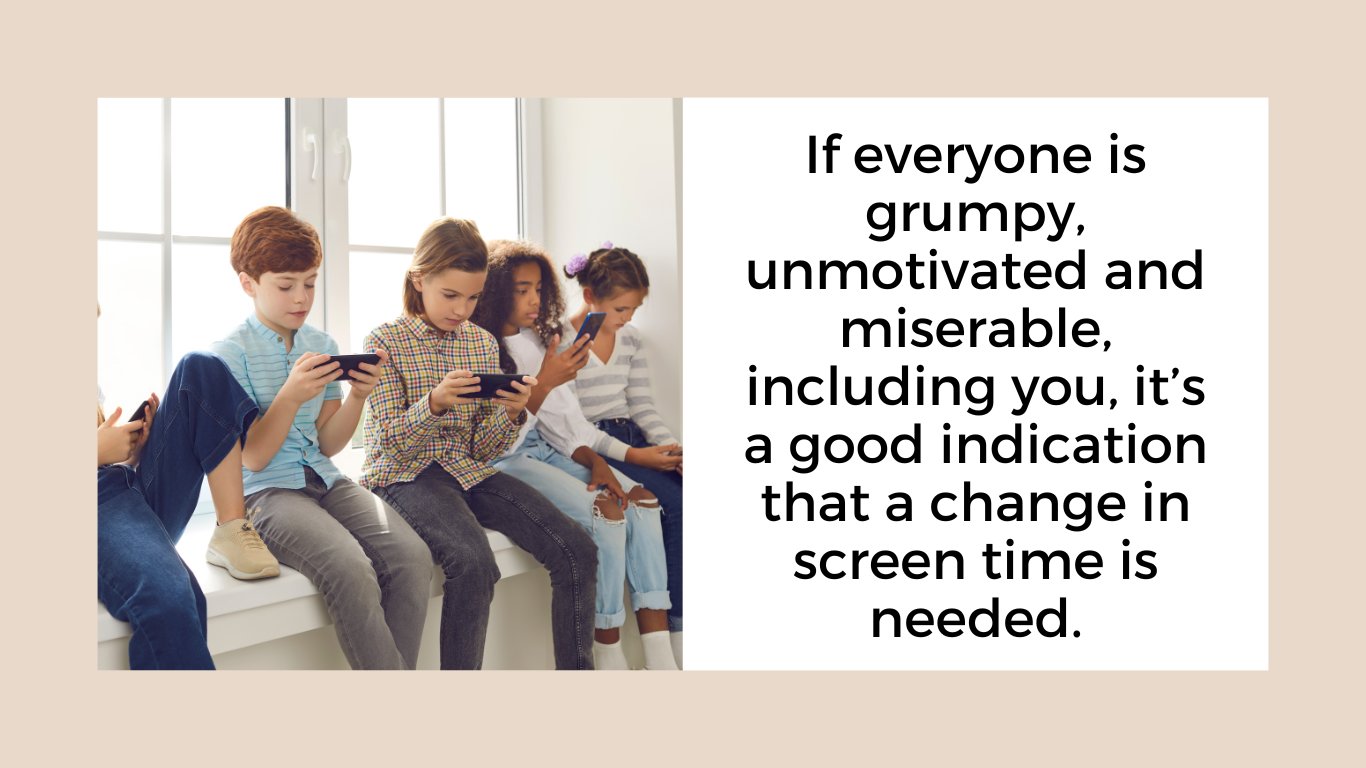
-
Step 1: Use External Controls to Reduce Screen Time for Teens Automatically
The single most effective tool for how to reduce screen time for teens is an external control that automates limits rather than relying on conversation. Here are the ones that work:
Google Wifi (now Google Nest Wifi): Lets you set a schedule for when the internet turns on and off across every device in your home. Many families keep it off until 10 or 11am in summer — so the first hours of the day are automatically screen-free without you having to say a word. Set it once and the system manages itself.
Apple Screen Time: Built into every iPhone at no cost. Lets you set daily app limits, schedule downtime (when the phone goes dark), restrict content, and see usage reports. The most effective setting: scheduled downtime at night so the phone enforces the bedtime rule — not you.
OurPact: Works across iPhone and Android. Gives more granular scheduling control and lets you pause internet access with one tap when needed. Excellent for mixed-device households.
Bark: Works differently from the others — instead of restricting access, it monitors what teens are doing and flags concerning content for parents to review. Useful for older teens who need more autonomy but where parental awareness still matters. Pair with a separate scheduling tool for the best results.
The transformation these tools make in how to reduce screen time for teens is real. When the system says no instead of you, teenagers are frustrated with the system — not with you. The dynamic shifts completely.
Step 2: Set a Phone Bedtime
Separate from general screen limits, phones in bedrooms at night are one of the biggest contributors to teen sleep deprivation — which makes everything harder. One of the most impactful changes you can make in how to reduce screen time for teens: phones charge outside the bedroom at night. A charging station in the kitchen or hallway works well.
With Apple Screen Time or OurPact, make this automatic. The phone goes dark at 10pm (or whatever you set) and comes back at 7am. You collect nothing, enforce nothing. The system does it every night.
Step 3: The Must-Do List — Before Any Screen Time Begins
A must-do list is one of the most effective frameworks for how to reduce screen time for teens because it creates a natural daily structure. The list is the same every day (no negotiating what counts), reasonable (1-3 hours total), and non-punitive — completing it genuinely opens up free time. Ours looks like:
- Something physical — a workout, a swim, a run, a walk, a sport
- Something productive — a job task, a household contribution, a learning activity
- Something creative or connecting — practicing a skill, reading, spending time with a sibling or family member
The key distinction: completing the must-do list does not automatically unlock unlimited screen time. It opens free time — which may include some screens, but is not a direct trade. Teens who understand the difference respect the system far more than those who feel like they are “earning” phones.
Step 4: Build a Screen-Free Go-To List Together
One reason teens drift toward screens the moment they have unstructured time is that they genuinely don’t know what else to do — not because they’re incapable, but because screens have become the default answer to any unstructured moment. Part of learning how to reduce screen time for teens is addressing that default.
Don’t make the list yourself and hand it to them. Sit down together and ask: “If screens weren’t an option right now, what are three or four things you’d actually want to do?” Write those down. Post the list somewhere visible. When they say they’re bored, redirect them to their own list rather than generating suggestions on the spot — a teenager who chose the list is far more likely to actually use it.
Step 5: The Four Daily Needs Check
Research in child development identified four things teens need most days to feel genuinely regulated and content: nature, physical touch, human connection, and physical movement. A teenager who has gotten outside, moved their body, connected with people they care about, and had some physical presence with family is genuinely less prone to boredom-driven screen time than one who hasn’t checked any of those boxes. It is one of the most underrated pieces of how to reduce screen time for teens — fill the need the phone is filling.
What to Do When It Breaks Down
Every system for how to reduce screen time for teens will break down at some point — a stretch of bad days, a summer where you travel and routines fall apart, a teenager who figures out a workaround. When that happens: reset, don’t catastrophize. Go back to the agreement calmly, adjust what isn’t working, and restart. The goal is a long-term shift in the relationship with technology, not a perfect enforcement record.
Related Reading
These posts from Brooke Romney Writes go hand in hand with this one:
- summer with tweens and teens — 21 tips for a balanced summer
- summer with teens — setting expectations before it starts
- how to use external tech controls to manage screen time
Helpful External Resources
Frequently Asked Questions: How to Reduce Screen Time for Teens
How do I reduce screen time for my teenager without constant arguments?
External controls are the most important first step. Google Wifi, Apple Screen Time, and OurPact automate the limits so the system enforces them — not you. When the phone goes dark at 10pm because that’s what Apple Screen Time is set to, the argument isn’t with you. Pair the external controls with a must-do list before free time begins and a co-created screen-free alternatives list, and you remove yourself from the daily enforcement role entirely.
How much screen time is too much for a teenager?
There is no universal right number, but the American Academy of Pediatrics recommends consistent limits on recreational screen time and prioritizing sleep, physical activity, and in-person social connection. Most families find that 2-3 hours of recreational screen time per day is workable. What matters more than the specific number is what is happening outside of screens — if teens are moving, connecting, contributing, and creating, some screen time is entirely reasonable.
What is the best app to limit screen time for teenagers?
For iPhones: Apple Screen Time (free, built in) is the most accessible starting point. For Android or mixed-device households: OurPact gives more scheduling control. For home internet across all devices: Google Wifi (Google Nest Wifi) is the most seamless solution — schedule internet on and off once and it runs automatically. Bark is excellent for monitoring content rather than restricting access, useful for older teens who need more autonomy.
How do I reduce screen time for a teenager who resists all rules?
Don’t start with rules — start with systems. External controls (Google Wifi, Apple Screen Time) remove you from the enforcer role, which takes away the main point of conflict. Have one calm conversation before summer starts about what the expectations are and why — not in the middle of a conflict. Give them real input on the must-do list so they have some ownership over it. The teens who resist screen time limits most strongly are often the ones whose relationship with screens has become most problematic — the structure, while uncomfortable at first, is exactly what they need.